How to Plan Seating for a Company Holiday Party
 MySeatPlan
·
MySeatPlan
·
A great company holiday party isn't about the venue or the open bar, it's about who sits next to who. Here's how to plan seating that mixes the team, respects hierarchy, and avoids the awkward stuff.

Ready to create your own event seating chart?
Try our free drag-and-drop seating chart builder.
Get Started →A company holiday party feels like a casual evening, but the seating chart is doing more work than anyone realizes. It decides who networks across departments, whether your remote team feels welcomed, how new hires get integrated, and whether the CEO's table feels like leadership or like a velvet rope. Get the seating right and the night runs itself. Get it wrong and you'll spend Monday answering emails about who sat where.
This guide walks you through how to plan a company holiday party seating chart that mixes the right people, respects the org chart without being stuffy about it, and avoids the awkward stuff most planners learn the hard way.
Decide What the Party Is For
Before you assign anyone, answer one question: what is this party actually for?
- Recognition and reward. Awards, end-of-year speeches, a thank-you for the team. Seating should support a clear front-of-room and let people see and hear the program.
- Cross-team networking. Mixing engineering with sales, finance with marketing, ops with leadership. Seating should deliberately scramble people out of their normal cliques.
- Pure celebration. No speeches, no agenda, just a good night. Seating can be lighter, looser, and built around social bonds rather than networking goals.
Most parties are some mix of these, but the dominant goal should drive the chart. A recognition-heavy night needs different seating than a networking-heavy one.
Pick the Right Table Format
The format shapes everything else. Three options dominate corporate holiday parties.
Round tables of 8 to 10
The classic banquet setup. Each table becomes its own conversation cluster. Best for parties with a program (speeches, awards) where everyone needs to face a stage. Easy to assign by department, by mixed groups, or by interest.
Long banquet tables
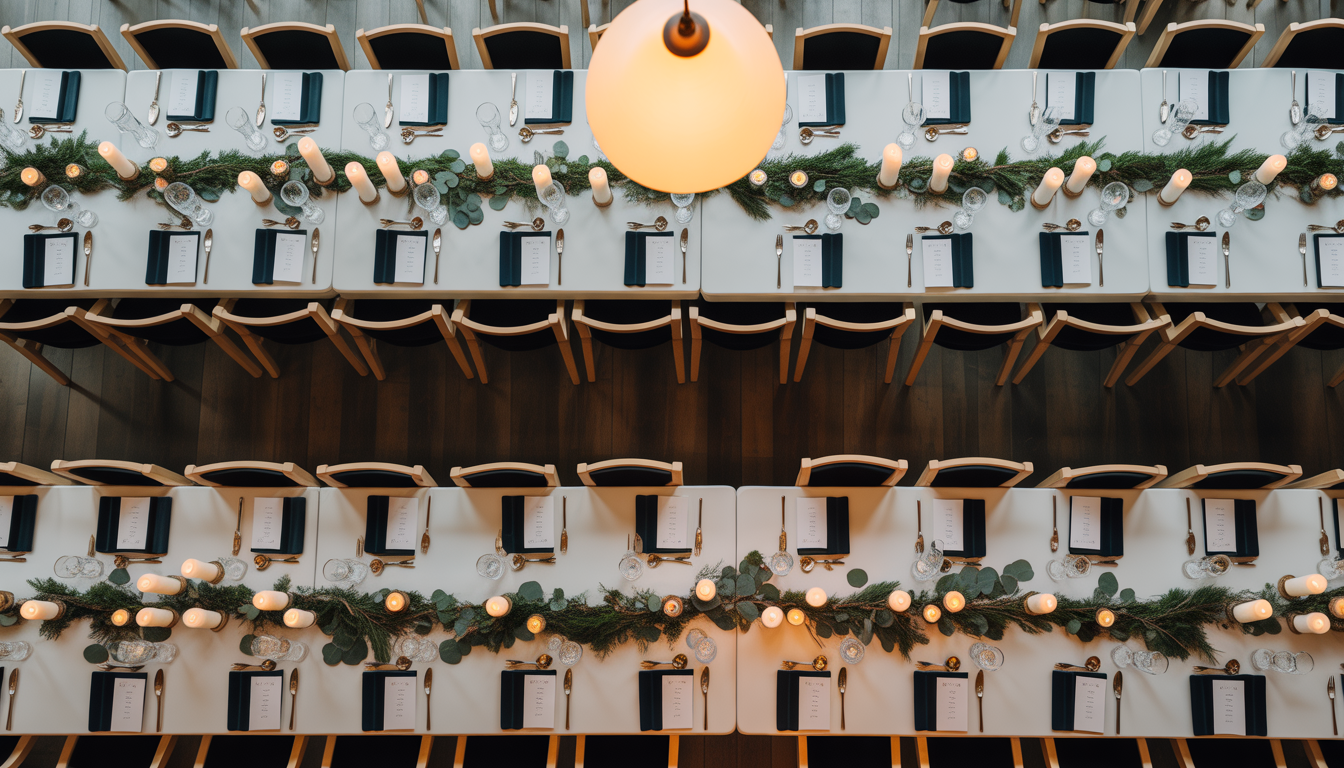
Two or three long tables running parallel, family-style. Feels less formal than rounds, encourages cross-conversation, scales well for 30 to 80 people. Best for celebration-style nights without heavy programming, because sight lines to a single stage are weaker.
Cocktail and lounge mixed
Standing rounds, lounge clusters, and a few seated tables. Best for purely social nights with under 60 attendees, where you want the room to flow rather than commit everyone to a chair.
For a deeper breakdown of each layout's pros, cons, and capacity, our guide to conference table layouts covers the geometry that applies to corporate dinners as well.
How to Mix Departments
The single most common holiday party seating mistake is letting people sit with their own teams. They do that every day at lunch. The party is the one chance all year to put engineering next to marketing, finance next to design, and the new hires next to leadership.
A simple framework that works for parties of 30 to 200:
- Identify your seed people per table. One leader, one social connector, and one person from a department that table doesn't usually interact with.
- Fill in around them. Aim for 3 to 4 departments represented per table of 8 to 10.
- Avoid full-team tables. Never let a single team take a whole table. They'll re-create their normal Monday meeting.
- Plant new hires deliberately. Seat newer employees at tables with engaged, welcoming people. Their first big company event sets the tone for how integrated they feel.
Don't randomize. Random seating is a coward's solution that puts the introverts and the new hires at the table nobody wanted to sit at. Be deliberate.

Where Leadership Sits
This is the most charged decision in the whole chart, and the one most likely to get noticed.
Three approaches, depending on company culture:
Leadership at one table
The CEO, executive team, and sometimes the board at a single front-of-room table. Common at larger or more traditional companies, signals hierarchy clearly, makes the program (speeches, awards) flow naturally from a clear "leadership zone."
Risk: Can feel like a velvet rope. If you go this route, make sure leadership is visible and approachable during cocktail hour, not just sealed off at dinner.
Leadership distributed
The CEO sits with engineering, the COO sits with customer success, the CFO sits with marketing, and so on. Each leader hosts a table of cross-functional people. Best for flatter or more collaborative cultures.
Risk: Awards programs are harder to choreograph if leadership is scattered. Brief each executive on their role at their table.
Hybrid
The CEO and 1 to 2 senior leaders sit at a "head table" near the stage, while the rest of the executive team is distributed among employee tables as hosts. Most common approach, gets the recognition optics right while still mixing the room.
Whichever you pick, make it intentional and consistent. The mistake is doing it accidentally, with leadership clumped in a corner because nobody assigned them on purpose.
Handling Hybrid and Remote Teams
If your company has remote employees who flew in for the party, treat the seating as part of the welcome, not as a logistics problem.
- Spread remote team members across tables, not into one "remote table." A remote table sounds inclusive and ends up isolating exactly the people you wanted to welcome.
- Pair each remote person with someone they collaborate with daily but rarely see. The party is the rare chance to put a face to the Slack name.
- If the company is hybrid-first, lean into mixed tables. Half remote, half in-office at every table, by design.
The Plus-One and Kids Question
Plus-ones change the math significantly. A 100-person company with a plus-one policy can become a 180-person event overnight, and the seating dynamics shift.
Plus-ones
Whatever policy you set, apply it consistently. Three common approaches:
- No plus-ones. Cleaner, cheaper, more focused on the team. Works well for casual or smaller parties.
- Plus-ones for everyone. Most inclusive, especially for partners of long-tenured employees. Roughly doubles the cost.
- Plus-ones for senior staff or specific events. Risky, because it creates visible tiers. Avoid unless the policy is clearly explained.
If you allow plus-ones, seat them next to their employee (not across the table), and ideally next to another plus-one. Plus-ones who don't know anyone at the party usually want to sit near their partner. Forcing them to make conversation alone with strangers is a quick way to get a follow-up email about how the night felt.
Kids
Kids at a corporate holiday party either belong (it's a family-friendly event with a kids' table and activities) or they don't (it's an evening adult event). Don't try to do both. If kids are invited, seat each family unit together, set up a dedicated kids' table for ages 6+ if there are enough of them, and plan an early dinner service so families with younger kids can leave by 8 p.m.
Special Categories to Plan For
New hires (under 90 days)
Surround them with at least 2 people from their team plus a leader or social connector who can introduce them around the room.
Quiet or introverted employees
Don't punish them by seating them at the loudest table. Place them with a small cluster of people they've worked with closely and one or two friendly strangers, not the entire sales team.
Employees in the middle of a tense situation
People who recently transitioned out of a role, employees in a current PIP, recently demoted, or in the middle of a complaint process. Seat them with their direct support network, and never at a table where they'll be confronted with the source of the issue.
Employees with dietary restrictions
This is a catering note, not a seating note, but make sure the kitchen knows which seats need allergen-free, vegetarian, vegan, or kosher meals. The seating chart should flag these so the venue can plate accordingly.
The Practical Workflow
For a 100-person company holiday party (10 tables of 10), the build looks like this:
- Lock the venue floor plan. Number tables, mark stage and AV positions, identify service paths and bar zones.
- Confirm guest list and plus-ones. Final headcount with names, departments, and any flagged categories (new hire, dietary, accessibility).
- Decide leadership placement. One-table, distributed, or hybrid. Lock it before assigning anyone else.
- Place leadership and table hosts. Each non-leadership table gets a manager or senior IC as a host.
- Seed each table with 2 to 3 departments. Avoid single-team tables.
- Place new hires deliberately. Tables with engaged hosts and welcoming people.
- Distribute remote employees. Spread them, don't cluster them.
- Place plus-ones. Next to their employee, ideally near another plus-one.
- Run the chart by HR. They'll catch flagged conflicts, sensitive situations, and accessibility needs you didn't know about.
- Print escort cards or table assignments. Either at the entrance, or distributed via email beforehand.
For more on the general seating workflow that maps to any corporate event, our corporate event seating chart guide walks through the same logic for sales kickoffs, conferences, and awards dinners.
Common Holiday Party Seating Mistakes
- Letting people self-seat. The team that sits together every Monday will sit together again, and your chance to mix the room evaporates.
- Random seating. Feels democratic, ends up putting introverts and new hires at the worst tables.
- One "leadership table" no one approaches. If you go this route, make sure leadership works the room during cocktail hour.
- Forgetting plus-ones in the chart. They show up, there's no seat, the night starts with an apology.
- Mixing kids and adult-only programming. Either commit to family-friendly with a real kids' setup, or keep it adult-only.
- Single-department tables. A table of 10 from engineering will talk about Jira tickets all night.
- Putting all remote employees at one table. The opposite of what you wanted.
- Failing to flag tense relationships. Two people in active conflict at the same 8-person table is a Monday HR ticket waiting to happen.
- Not briefing table hosts. A manager at a mixed table with no instruction will revert to talking to their direct reports.
- Locking the chart 3 weeks out. Final guest counts shift in the last week. Plan to revise twice.
The Tools Question
For a 30-person dinner, a spreadsheet works. For a 100+ person company party, you need something visual. The reasons:
- Names change up to the morning of the event.
- HR will flag a conflict 48 hours before, and you'll need to swap two people without breaking the rest of the chart.
- You'll print three different versions for review (one for HR, one for the CEO's assistant, one for the venue).
- Place cards or escort cards have to match the final layout exactly.
MySeatPlan's drag-and-drop seating chart builder handles this in a few clicks: arrange tables visually on a floor plan, drag employees between tables as substitutions come in, tag categories like "new hire" or "remote," and export a clean chart for the venue, the place-card writer, and HR. Built originally for weddings, it works just as well for corporate events because the underlying problem is the same: arrange people in a room with intent.
For the etiquette side of seating decisions, our seating chart etiquette guide applies almost line-for-line to corporate events. The principles don't change just because the venue did.
Place Cards or No Place Cards?
Three options for actually getting people to their seats:
- Escort cards at the entrance. Each guest picks up a card with their table number on the way in. Standard, clean, scales well.
- Place cards at each seat. Adds a level of formality. Best for awards or recognition-heavy nights.
- Digital seating chart on a screen at the entrance. Modern, paperless, works well for tech companies. Make sure the display is large and readable from 6 feet away.
For parties under 50, a single posted chart at the entrance can work. For 100+, escort cards or a digital display are essential, otherwise you'll create a 15-minute bottleneck. Our guide on writing place cards covers name formatting, which translates directly to corporate place cards.
Quick Reference: The Holiday Party Seating Checklist
- Party purpose decided (recognition, networking, or celebration)
- Table format chosen to match the purpose
- Floor plan with table numbers and zones drawn out
- Leadership placement strategy decided (one-table, distributed, or hybrid)
- Each non-leadership table has a designated host
- Tables seeded with 2 to 4 departments, no single-team tables
- New hires placed near engaged hosts, not at the back
- Remote employees distributed across tables, not clustered
- Plus-ones seated next to their employee
- Kids policy clear and applied consistently
- HR has reviewed the chart for conflicts and sensitive placements
- Dietary needs flagged for the venue
- Escort cards, place cards, or digital chart in place at the entrance
- Final chart locked 48 hours before, with one revision pass expected
A great company holiday party doesn't feel planned. It feels like the team naturally clicked, the conversations went deeper than usual, and people left having met someone they didn't know before. That's what the seating chart is doing in the background. Five minutes per table of intentional thinking saves you a Monday inbox full of follow-up, and gives the team the night they actually wanted.
Frequently asked questions
-
To create a seating chart for a company holiday party, start by defining the event’s goal (networking, recognition, or social), then assign tables by mixing departments, distributing leadership, and placing new hires and remote employees strategically.
Plan your perfect event seating arrangement
MySeatPlan gives you everything you need to organize your big day — all in one place.
- Drag-and-drop seating chart
- Guest list with RSVP tracking
- Export seating charts as images & PDF
- Share your plan with others via shareable link
- Design your invitation card
- Guest photo & video uploads